The only tool for interactive backgrounds.
Stack gradients, photos and print screens. Export a wallpaper, a loop, or 40 KB of embed code.
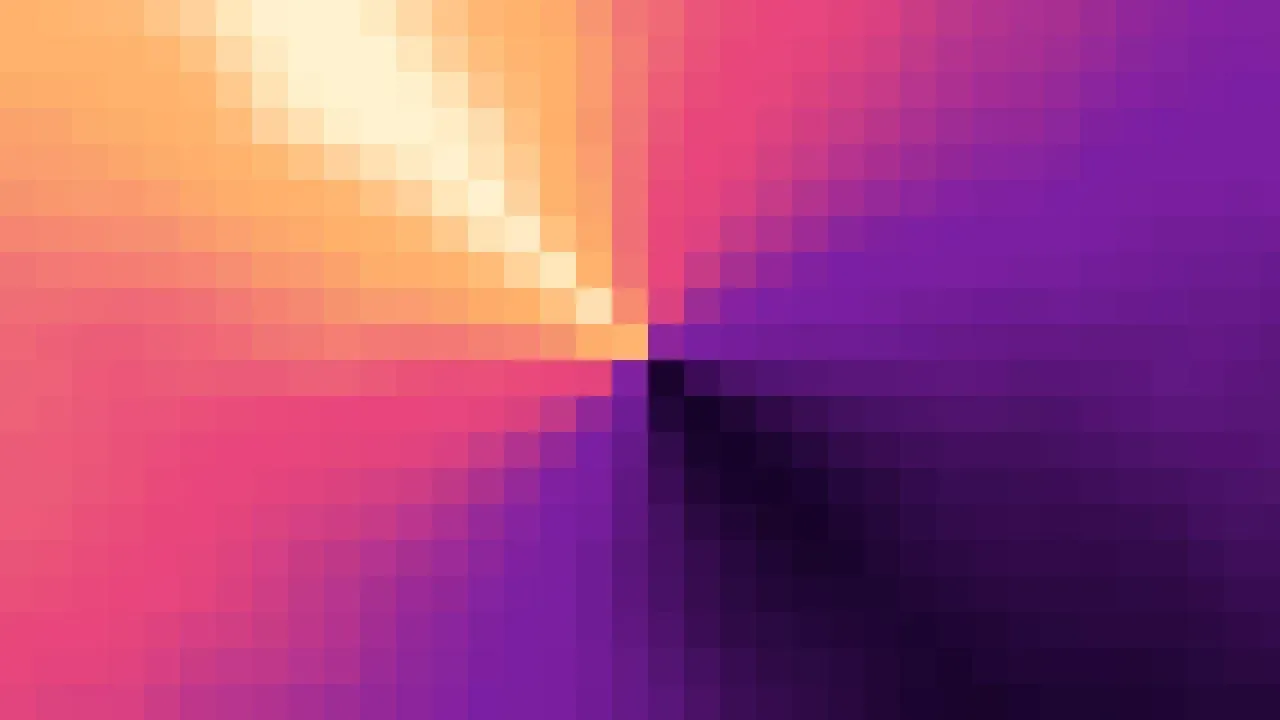
Color — A mesh of colour, and every stage below works on this. Every slider on the right is the real one.
Made in the studio
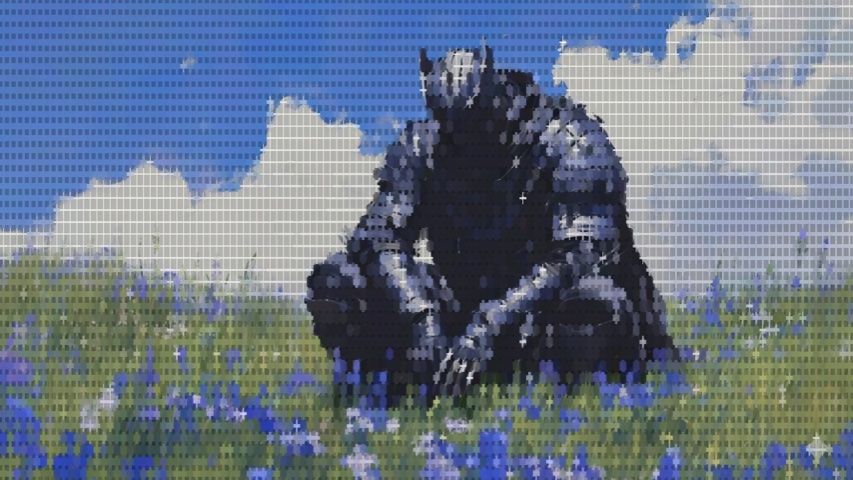
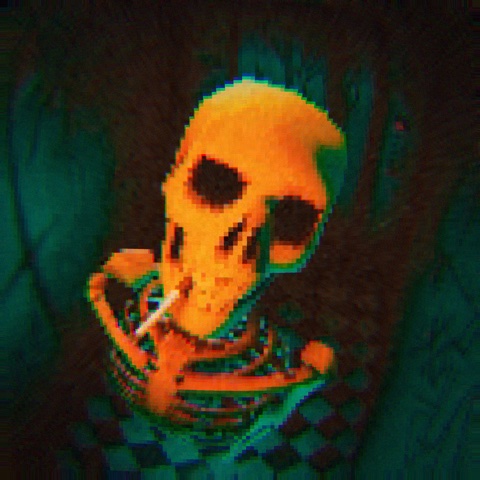
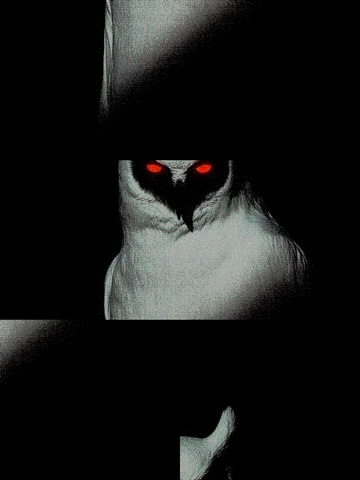
In the studio
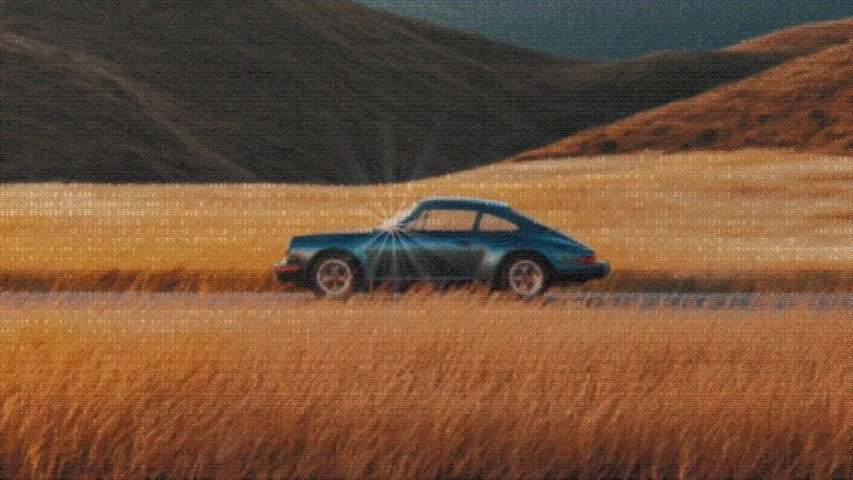
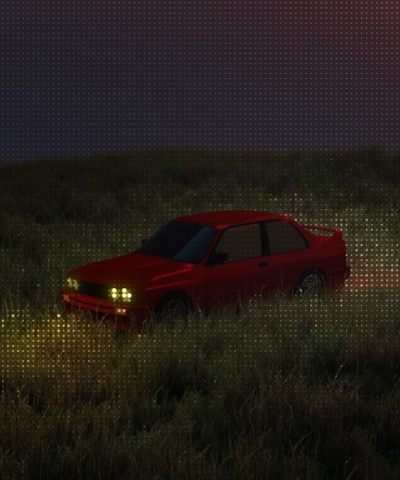
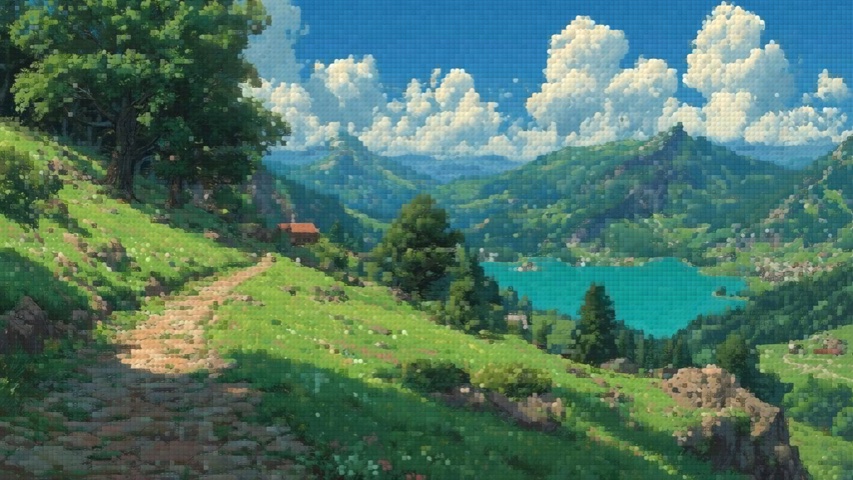
Four of the moves that make up most of the work — three that land on the canvas while you are still making it, and the one that takes it out of the studio.
Every number is a knob
Drag a slider and the whole composite re-renders under your hand — nothing to preview, nothing to apply. Type an exact value when you have one, and however long the drag was, undo takes it back in a single step.
It's one stack, layers included
A photo isn't a source, it's a stage like any other. Drag it above Halftone and it rides crisp over the dots; drop it below and the dots print across it. Every stage only ever works on what sits under it.
One key deals a whole look
Space rolls the dice, and the scope beside it says how far the roll reaches — Light re-rolls the composition you already have, Full deals whole stages in and out. Lock anything worth keeping and it sits out every roll, settings and all. Your photo is never dealt.
Three ways out
A PNG at HD, 2K or 4K, always in the frame you set — each row says the exact pixels. A seamless loop, 4 to 12 seconds, that closes on the frame it opened. Or two lines of embed code that render the look live behind your own page.
Every number is a knob
Drag a slider and the whole composite re-renders under your hand — nothing to preview, nothing to apply. Type an exact value when you have one, and however long the drag was, undo takes it back in a single step.
It's one stack, layers included
A photo isn't a source, it's a stage like any other. Drag it above Halftone and it rides crisp over the dots; drop it below and the dots print across it. Every stage only ever works on what sits under it.
One key deals a whole look
Space rolls the dice, and the scope beside it says how far the roll reaches — Light re-rolls the composition you already have, Full deals whole stages in and out. Lock anything worth keeping and it sits out every roll, settings and all. Your photo is never dealt.
Three ways out
A PNG at HD, 2K or 4K, always in the frame you set — each row says the exact pixels. A seamless loop, 4 to 12 seconds, that closes on the frame it opened. Or two lines of embed code that render the look live behind your own page.
What's in the rack
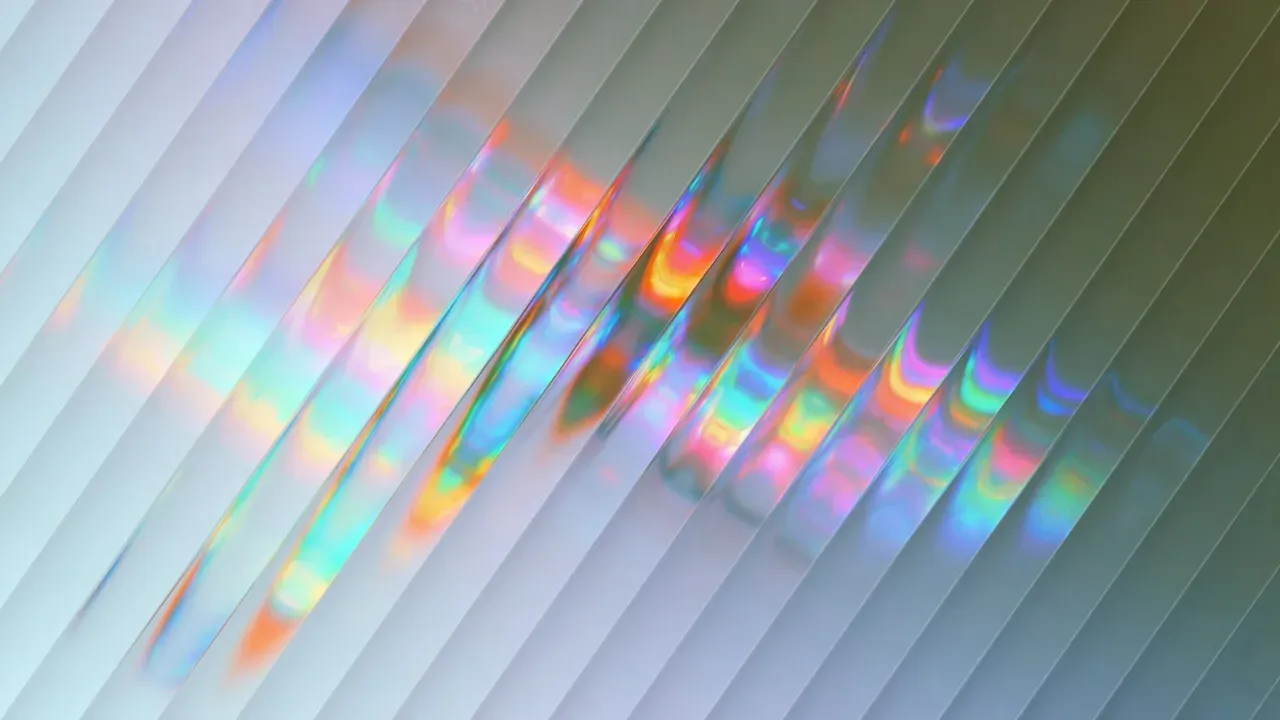
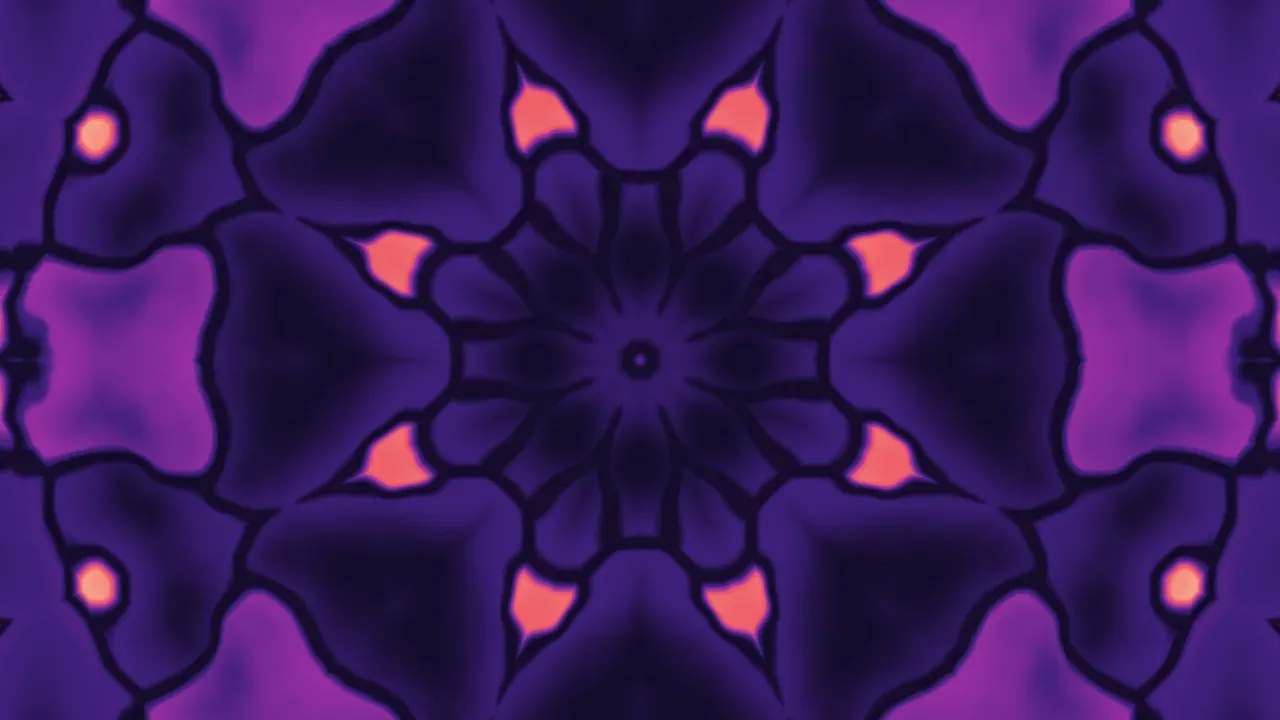
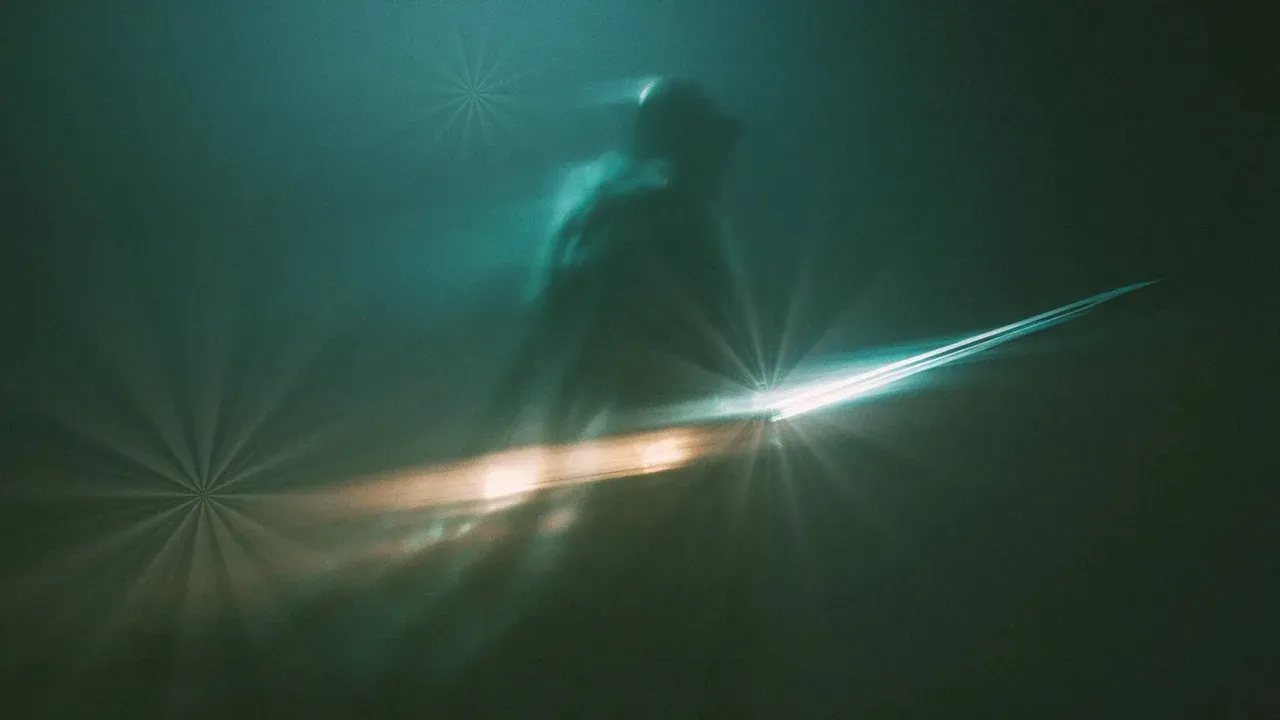
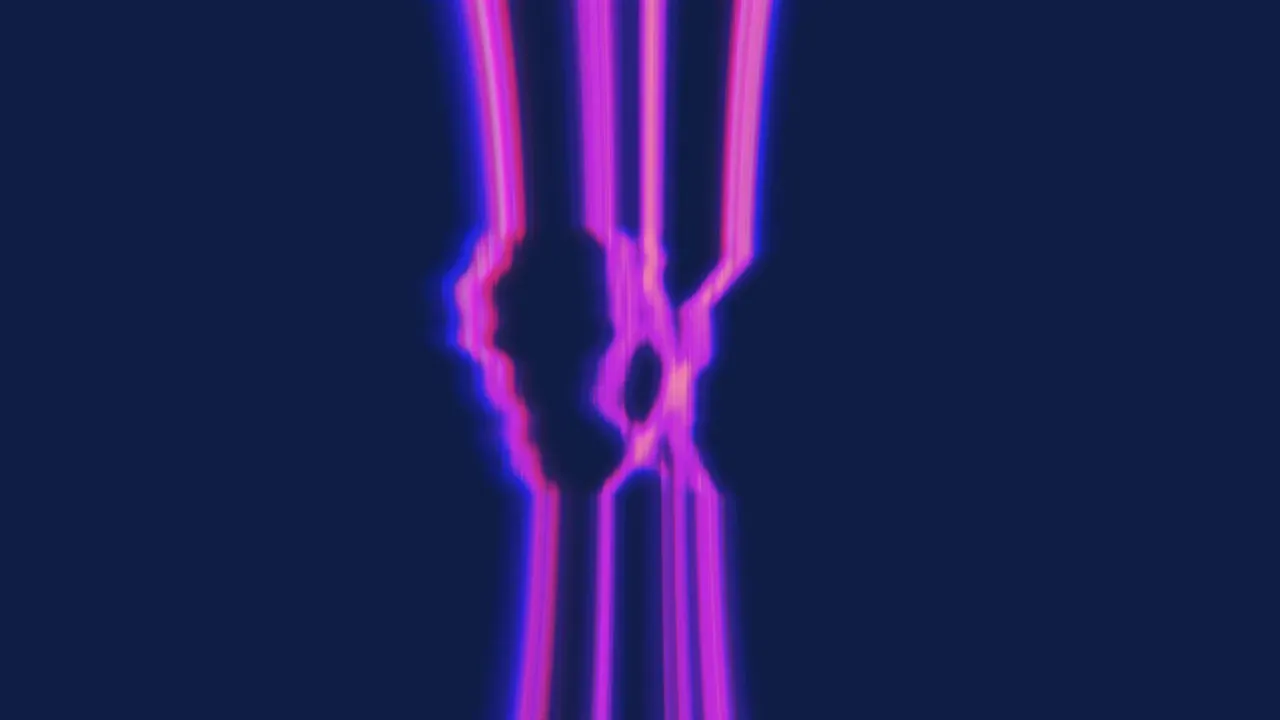
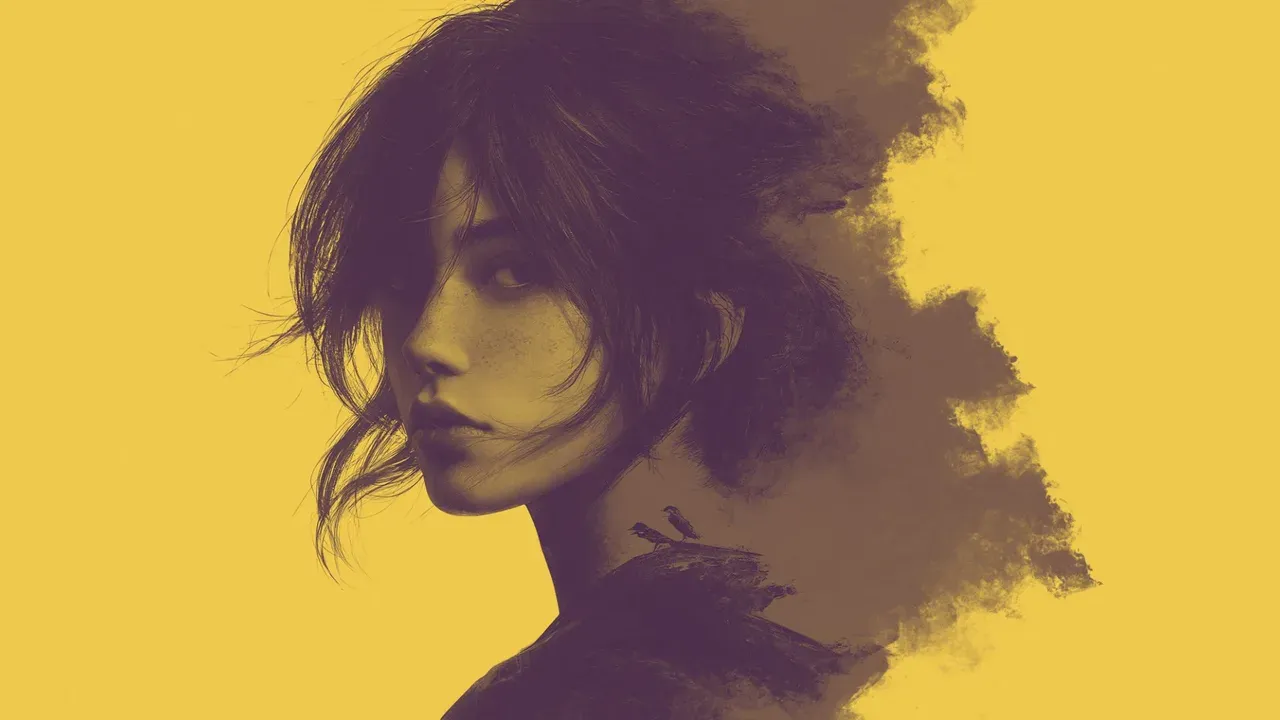
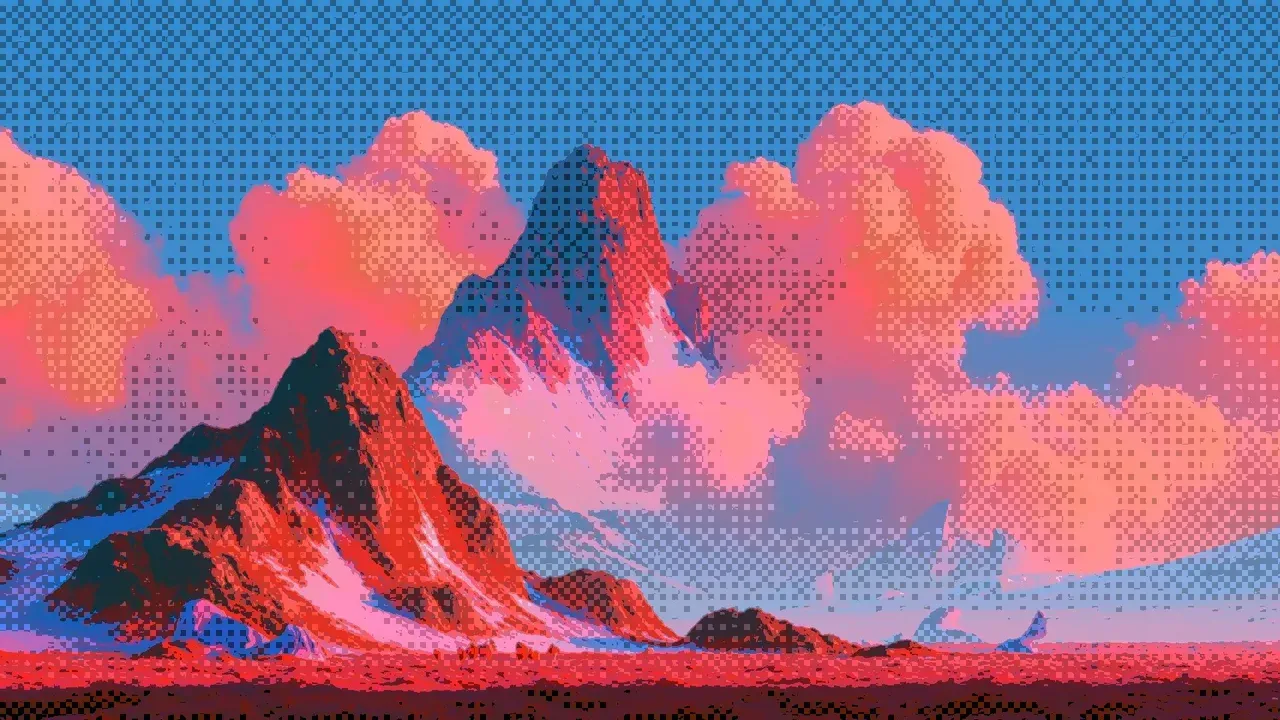
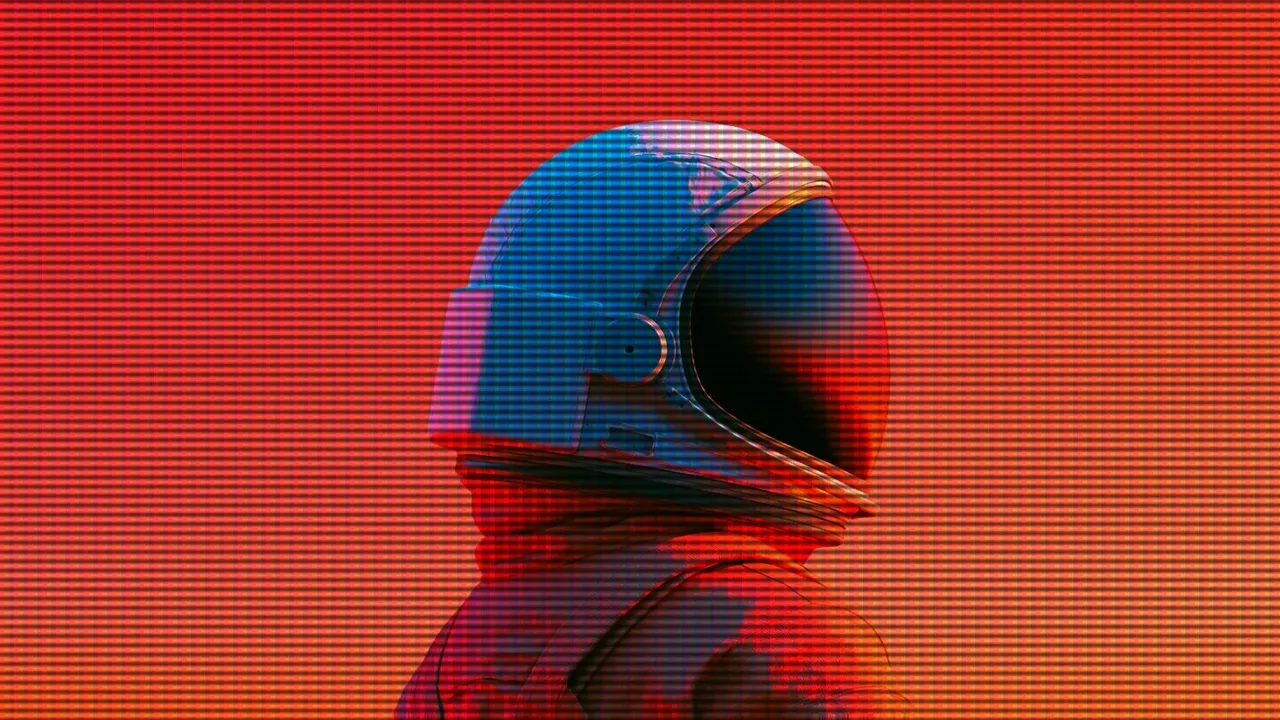
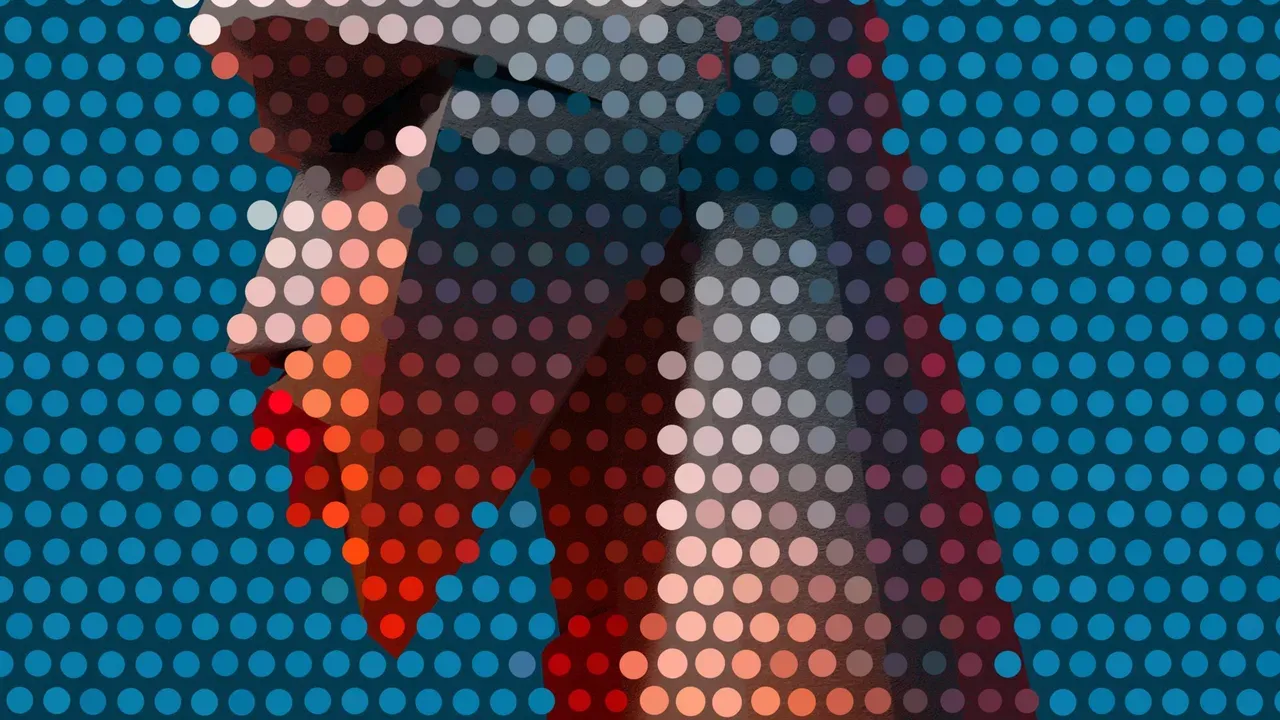
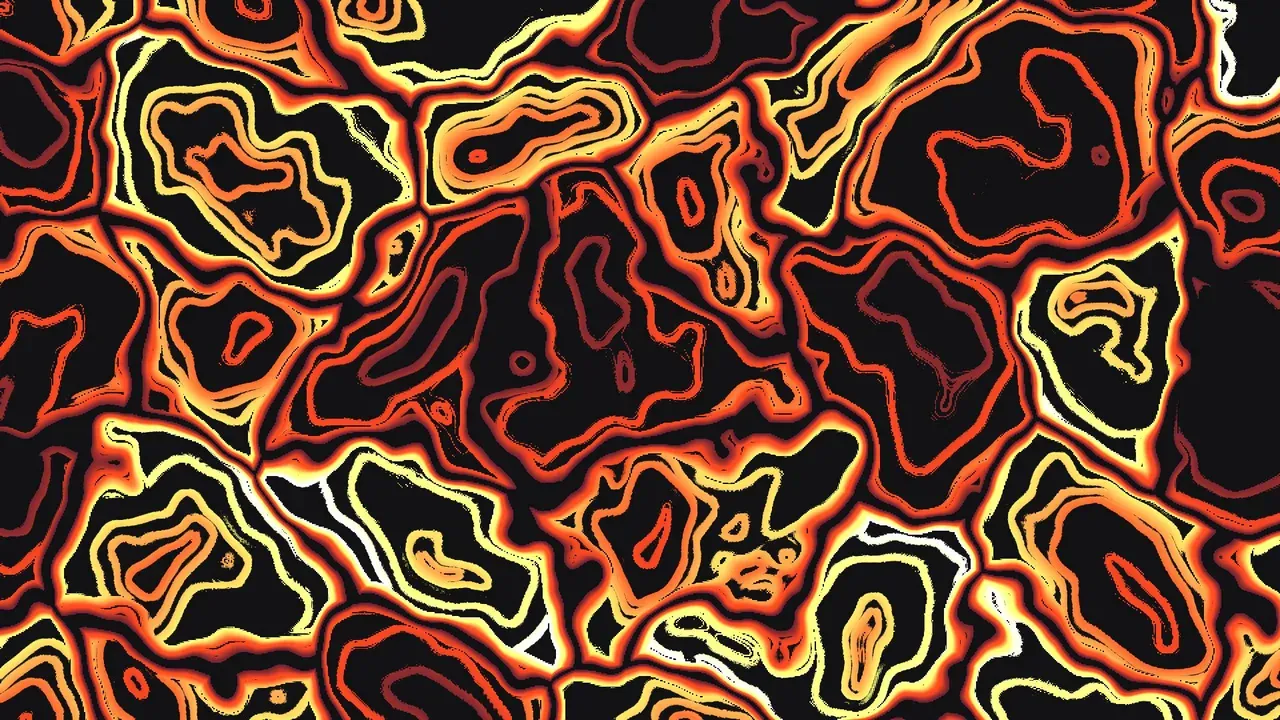
23 effect stages, stackable in any order. Every card is a preset, not an illustration — click one and the studio opens on exactly the look in the picture, yours to pull apart.
Hand it to your coding agent
Design a look in the studio, then use Export → Copy Angular component. You get a file with every setting written out as a typed IOddityConfig, so it reads like the rest of your code and changes the same way.
Paste it into Claude Code, Cursor, or whichever agent you work with. The agent installs the package, puts the component where you want the background, and reads /llms.txt when you ask for a different look.
npm install oddity-angular
The two-line embed covers every other framework.
// npm install oddity-angular
import { IOddityConfig, OddityCanvas }
  from "oddity-angular";

@Component({
  imports: [OddityCanvas],
  template: `<oddity-canvas [config]="look" />`,
})
export class HeroSection {
  // made with Oddity — edit this look: …/studio#…
  readonly look: IOddityConfig = {
    fxOrder: "Gwgr",
    stops: [ … ],
    waveAmount: 0.42,
    glassMode: 1,
    grain: 0.18,
  };
}